Try reShapr online
The fastest way to experience reShapr is through our hosted online environment: no installation required 🙌
Head over to try.reshapr.io to get started instantly.
The 11-second CLI installation demo previews the install command. Use this tutorial for the current authentication flow and verification.
Prerequisites
- A GitHub or Google account
- Node.js 20 or later to install the CLI
- A browser allowed to open the CLI authentication callback
Login workflow
Step 0 - Use your preferred web browser
And go to:
https://try.reshapr.io
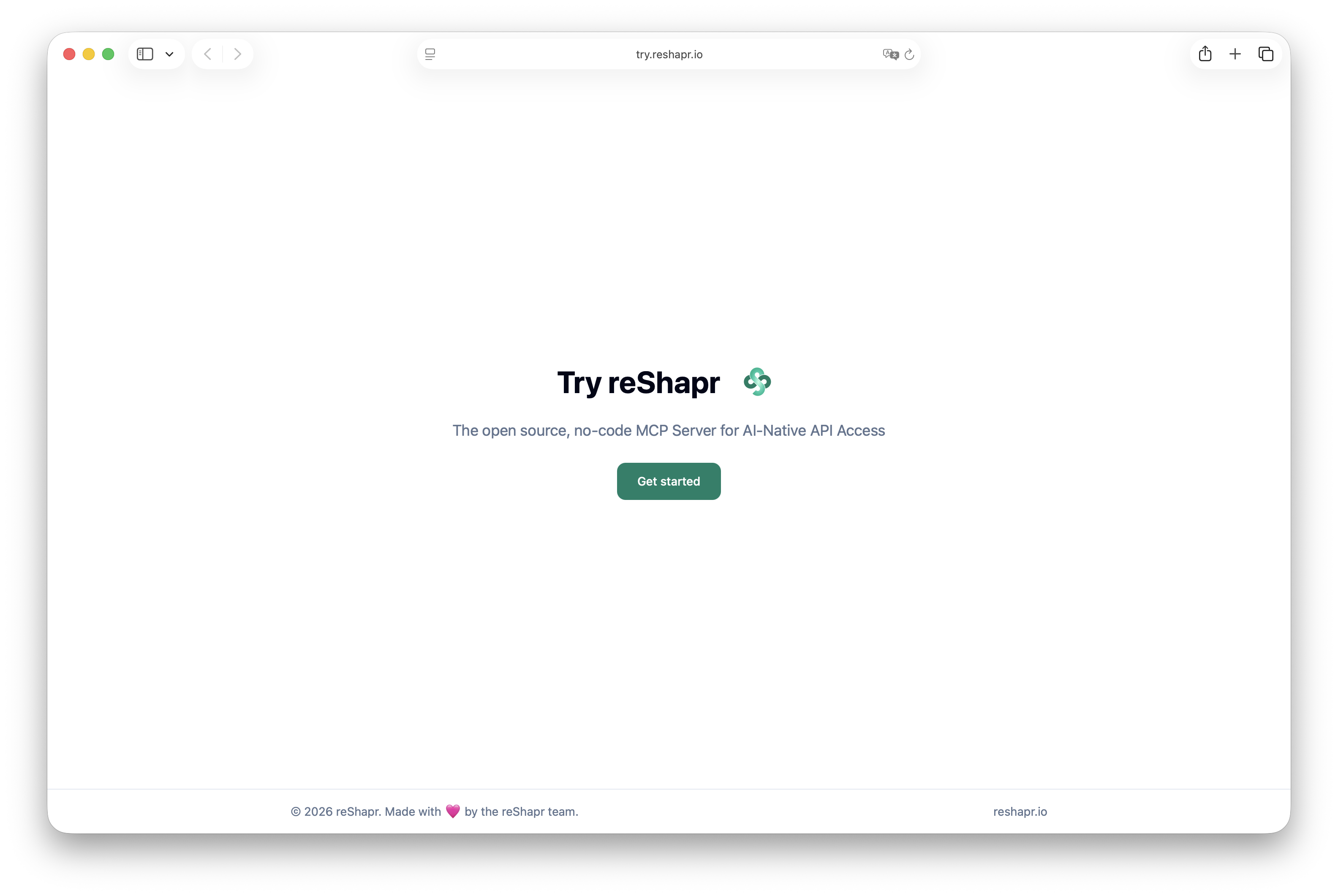
Step 1 — Choose an authentication provider
Select GitHub or Google to authenticate with the reShapr online try.
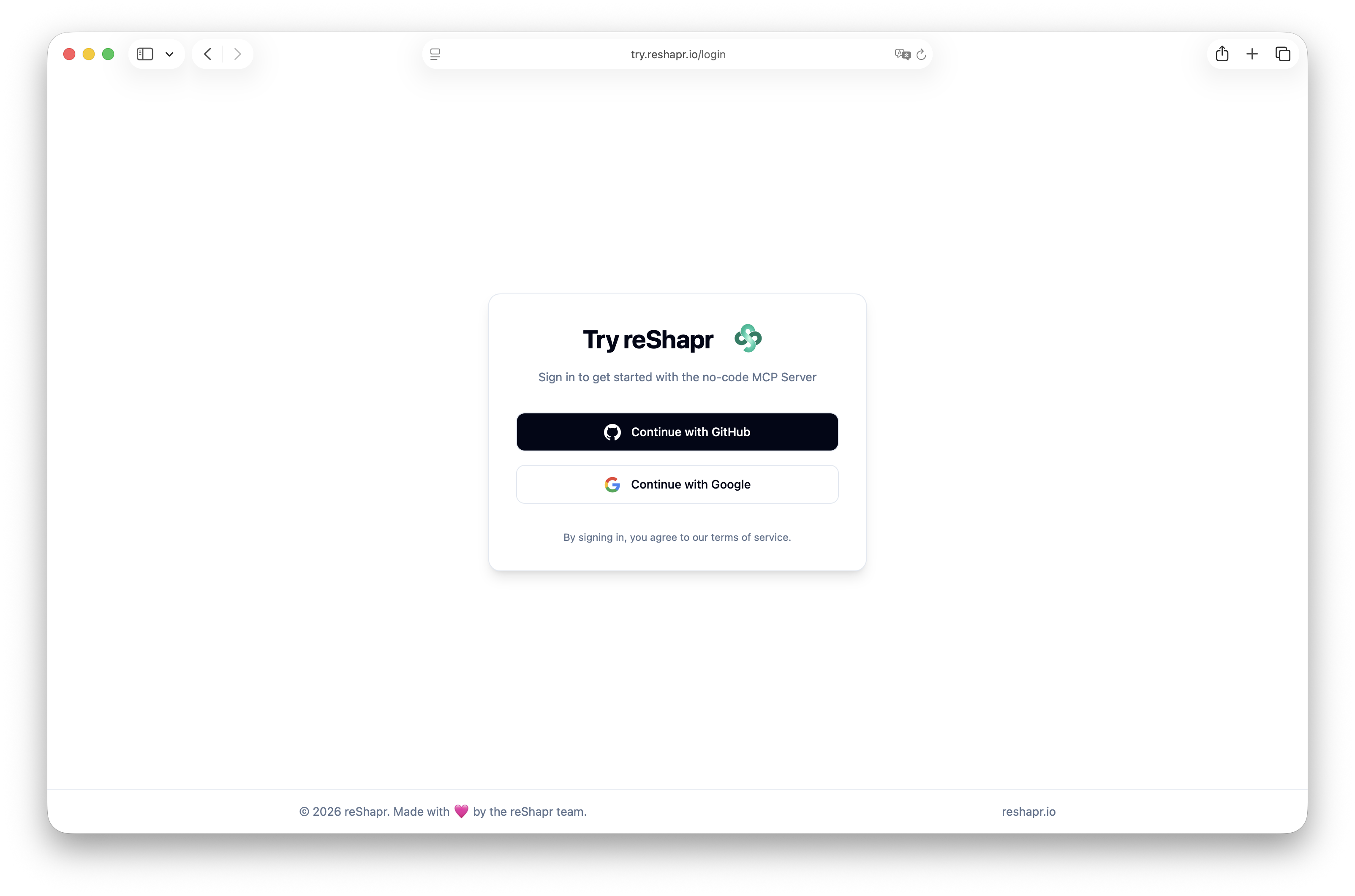
Step 2 — Sign in with your provider
Enter your credentials. In this example, we are using GitHub.
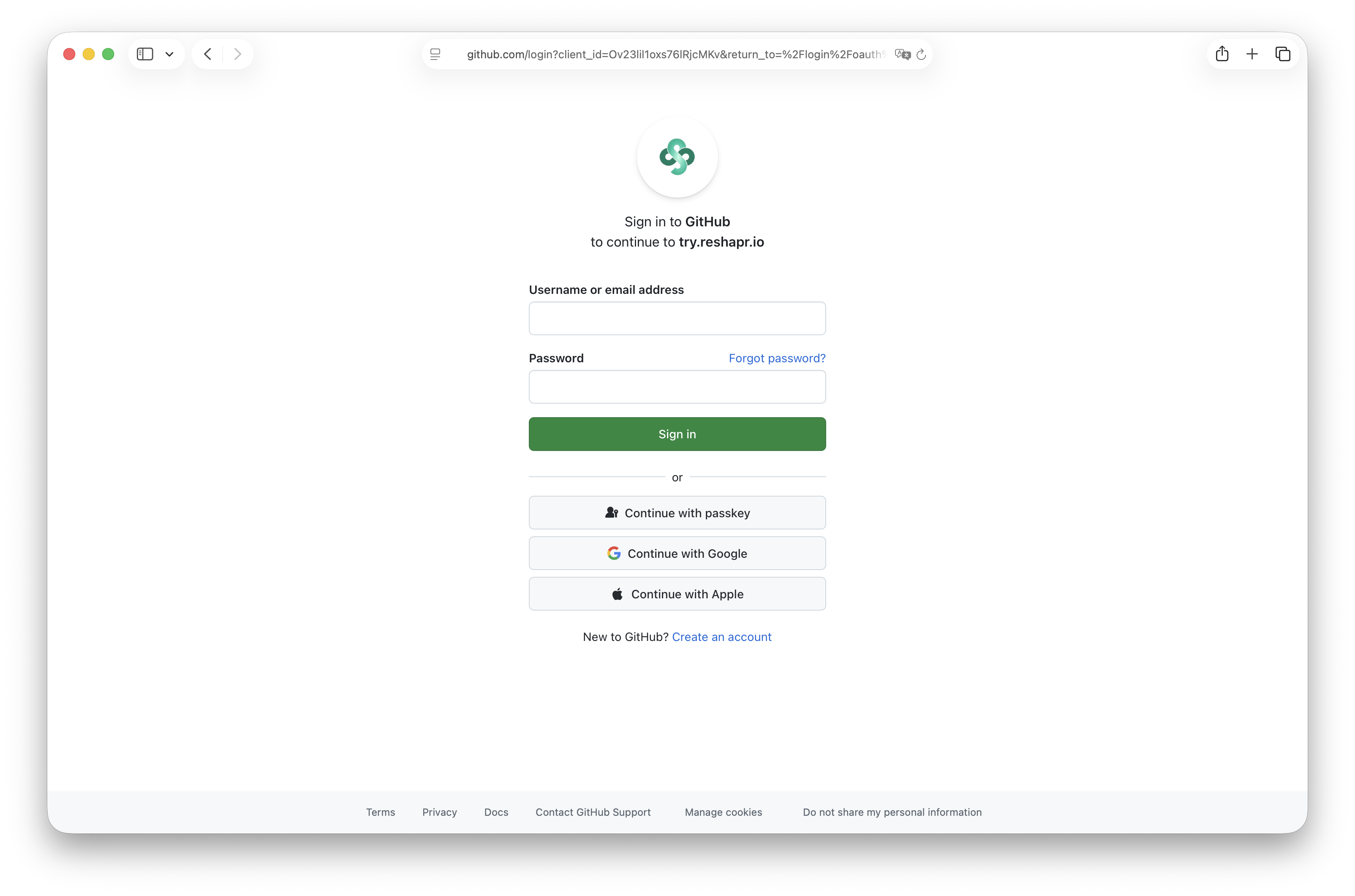
Step 3 — Two-factor authentication
If you have two-factor authentication enabled, complete the verification step.
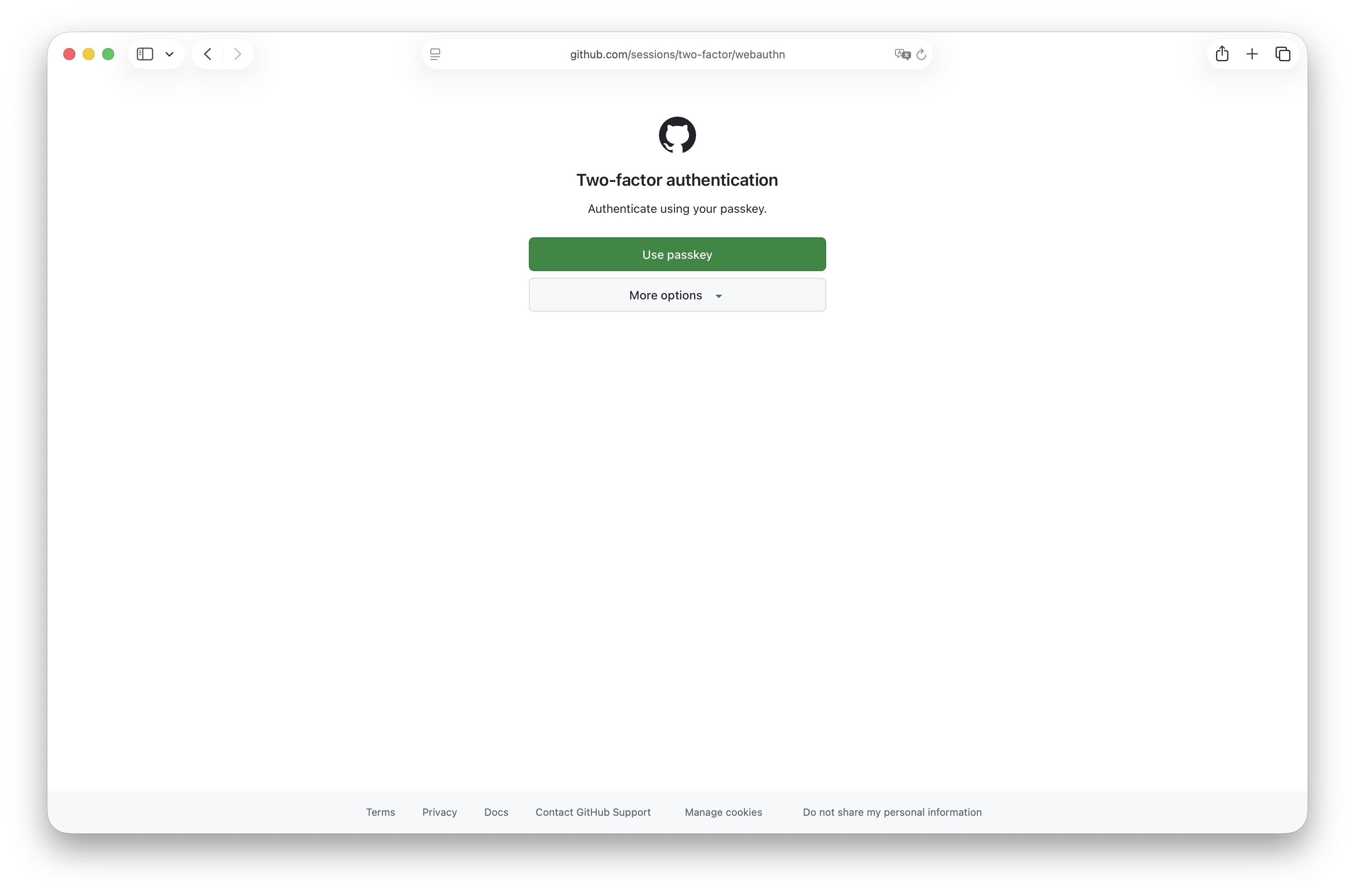
Step 4 — Setup your try org name
You can customize your trial organization (change its default name if you’d like).
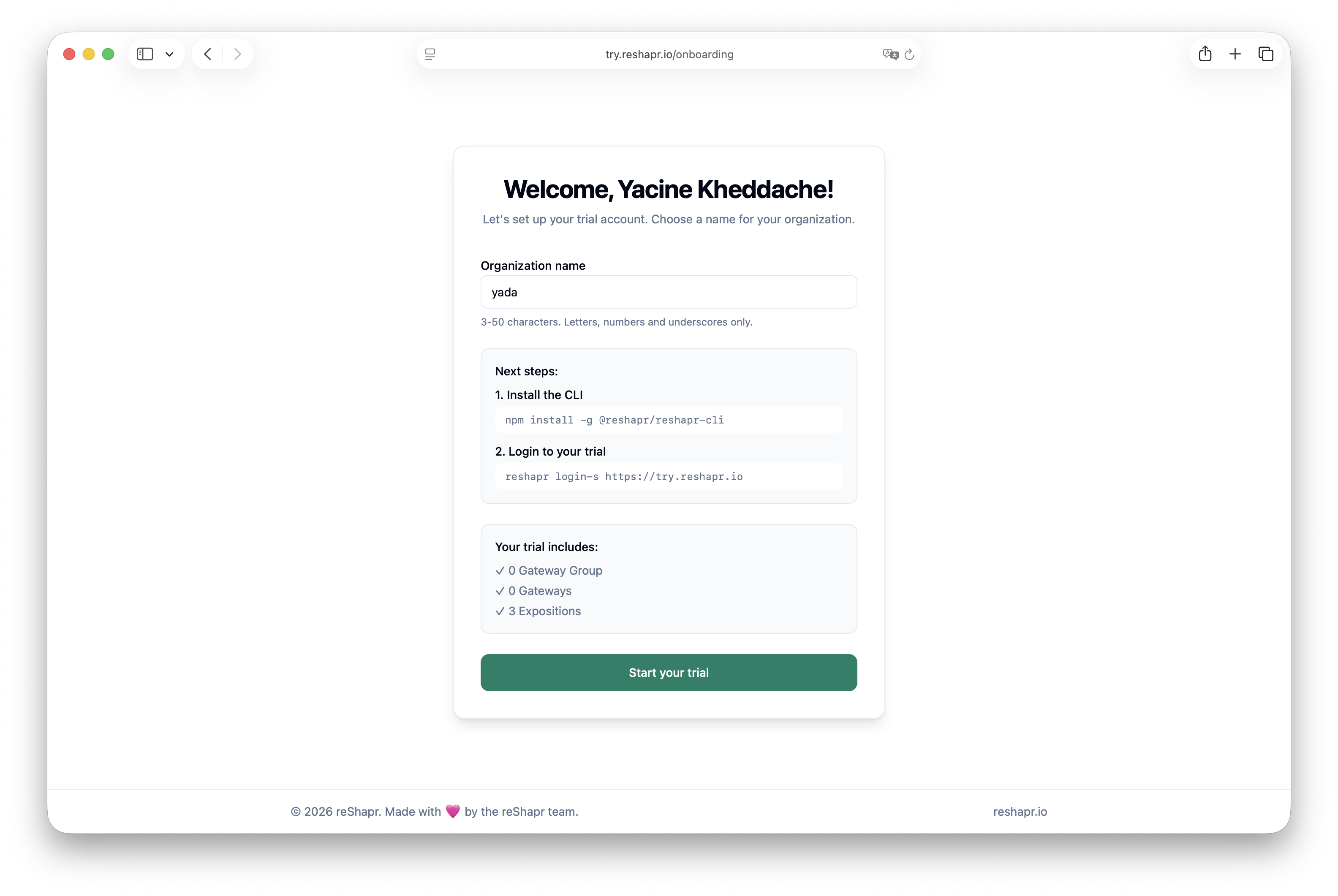
Then install the CLI:
npm install -g @reshapr/reshapr-cli --allow-scripts=@scarf/scarf
and log in to Reshapr online:
reshapr login -s https://try.reshapr.io
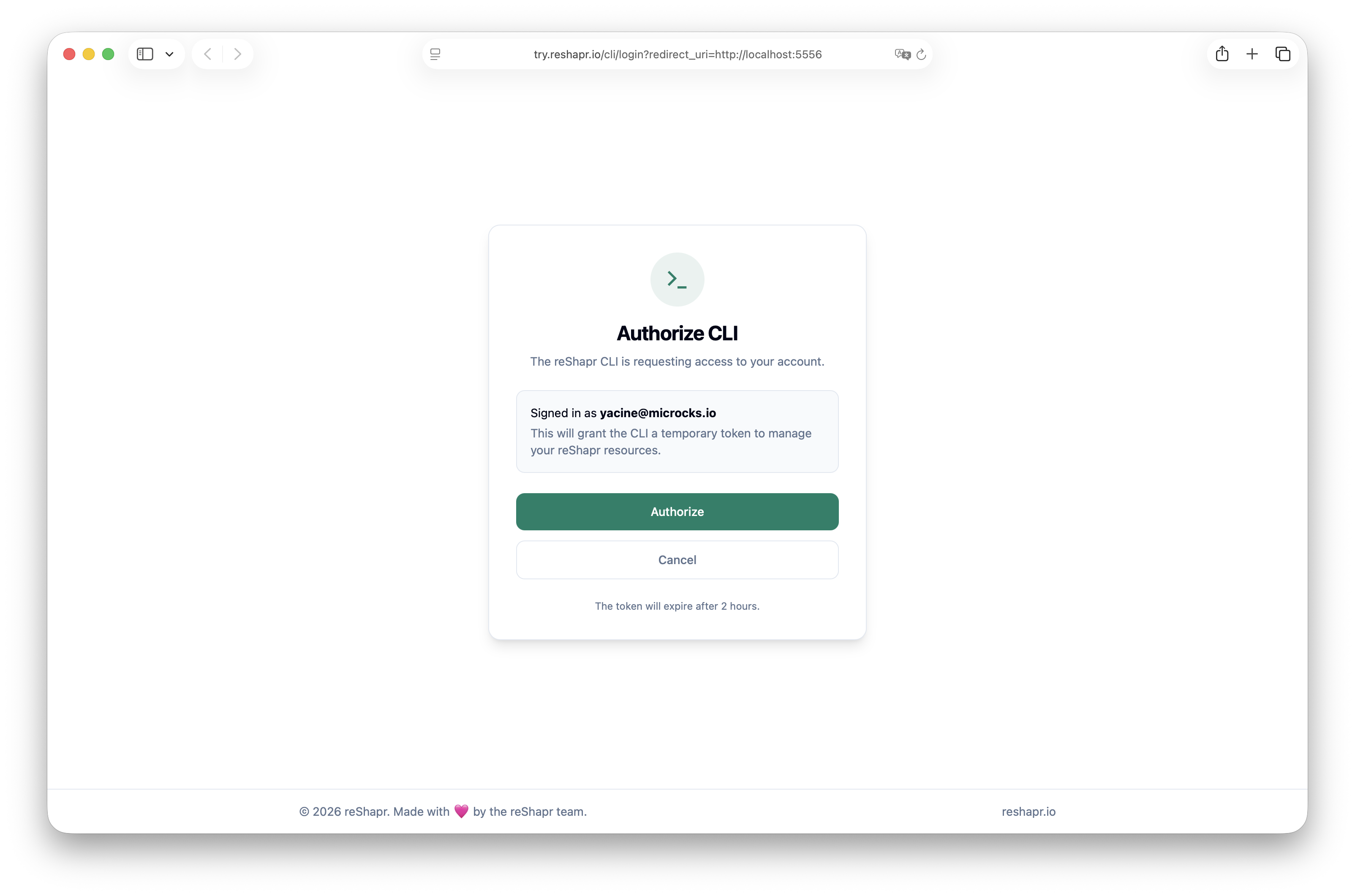
Step 5 — Authenticate with the CLI
When the browser opens, authorize the CLI — the token is valid for 2 hours.
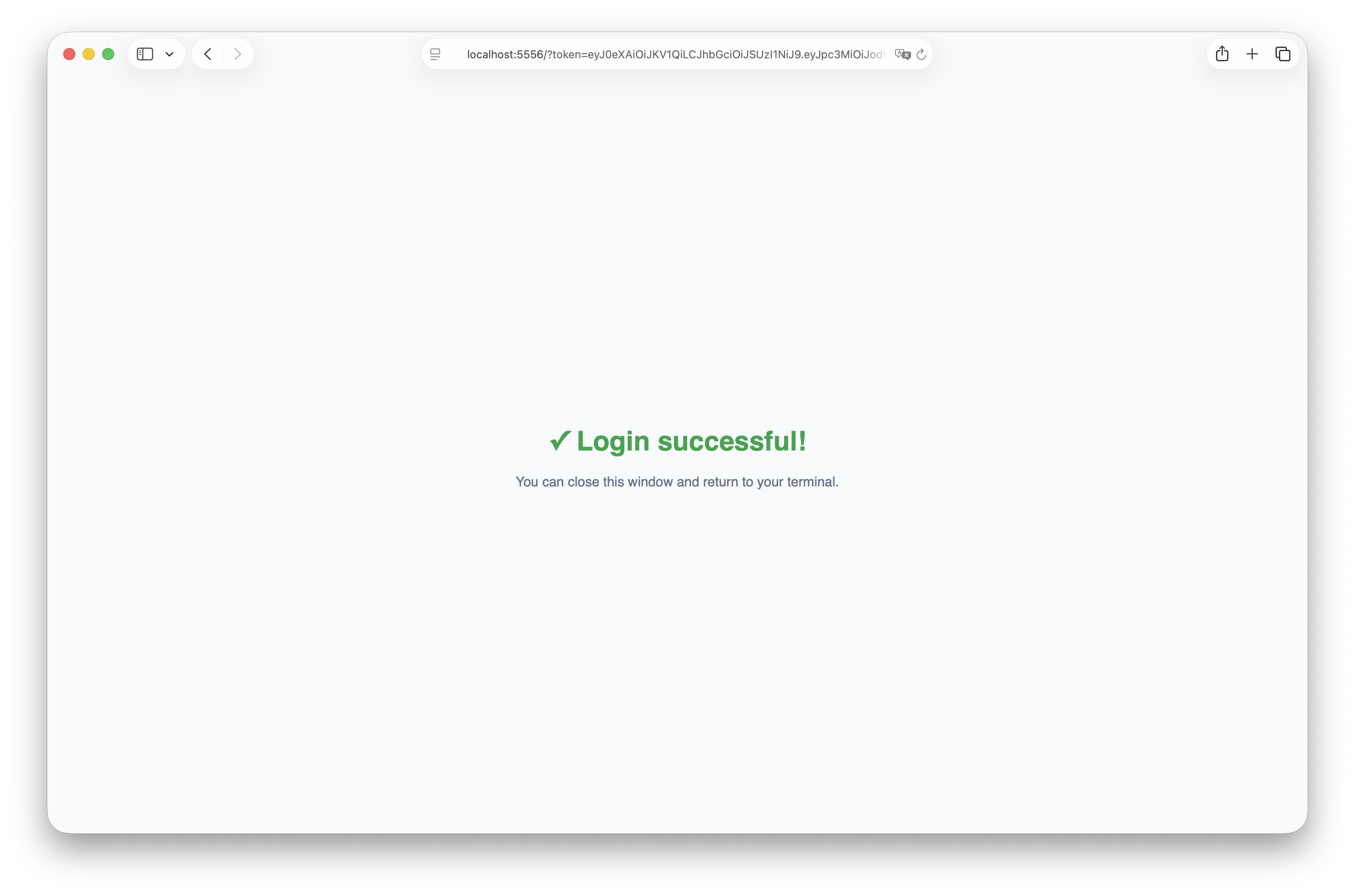
Step 6 — You're all set!
Login is successful. You can now use the CLI to import APIs, create expositions, and manage MCP servers.
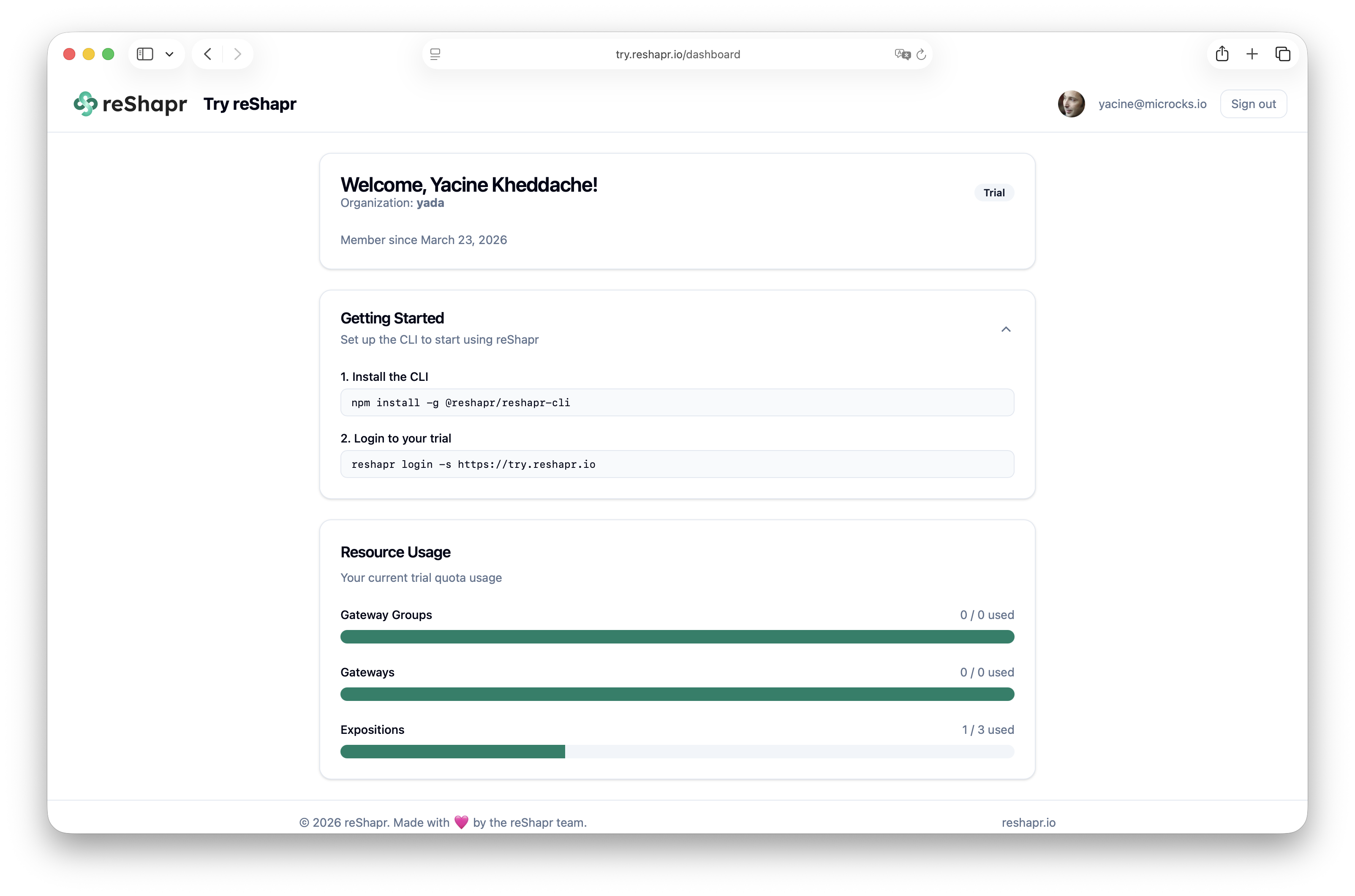
Step 7 — Access the online dashboard
Once authenticated, you can go back to https://try.reshapr.io and you'll land on the reShapr Try dashboard.
Result
Your browser session and CLI are authenticated against the hosted reShapr environment. reshapr info should show your trial organization and server.
Limits
- The CLI token is valid for two hours. Run
reshapr login -s https://try.reshapr.ioagain after it expires. - The hosted trial is shared infrastructure intended for evaluation, not production workloads.
- Identifiers, organization names, endpoints, and dashboard contents differ between accounts.
Next step
Continue with Your First MCP Endpoint, End to End. It imports a versioned Open-Meteo contract, creates an Exposition in this environment, and calls the generated weather Tool.